What is the normal expected difference between the calculator's FU graft estimate and an in-person surgeon's plan
Across our patient dataset (over 11,000 calculator users who proceeded to in-person consultation), the calculator's graft estimate lands within ±15% of the final surgeon-mapped plan about 78% of the time, and within ±300 grafts about 91% of the time. This is significantly more accurate than generic online estimators, which typically deviate by ±40% or more. The most common reasons for the calculator to under-predict by 200+ grafts are: 1) unreported diffuse miniaturization between the temples and vertex that isn't visible in uploaded selfies; 2) the calculator defaults to 45 grafts/cm² density in the hairline, but the patient requests an ultra-dense 55+ grafts/cm² frontal zone. The most common reason for over-prediction is users selecting a Norwood stage one step higher than their actual trichoscopy classification. ±300 grafts is considered excellent agreement for a remote automated tool.
Why do two different people with the exact same Norwood stage get different total prices from the calculator
Because the Norwood scale alone describes PATTERN, not AREA, and the calculator uses 7 other variables behind the scenes that change per-person. The biggest price drivers besides Norwood stage are: 1) lax scalp circumference (smaller scalps need fewer grafts to cover the same "pattern"); 2) donor density in the occipital safe zone (patients with <70 FU/cm² donor can't harvest as many safely, so they get recommended fewer grafts at higher per-graft surgical care cost); 3) hair caliber selection (thick coarse Asian or Afro hair requires ~15% fewer grafts than fine Caucasian hair for the same visual density); 4) the user's selected target density slider (35 vs 50 grafts/cm² is a 43% difference in total grafts); 5) the surgical technique toggle (standard FUE vs microneedle vs no-shave premium have different per-graft base rates). Two patients both classified Norwood 3A can legitimately see calculator outputs that differ by 40% in total cost and still both be clinically correct.
Are the calculator price outputs shown in US dollars or local currency
The calculator automatically displays price in THREE parallel outputs so there's no confusion: 1) the first row and largest number is always using our domestic clinic pricing in local currency; 2) directly beneath it you get a USD estimate converted at the current month's exchange rate (we refresh the rate on the 1st of every month); 3) a third row shows EUR if you're browsing from a European IP. There is also a manual currency toggle at the top-right of the results card if the automatic geo-detection got it wrong. Important: the USD and EUR outputs INCLUDE the international patient package surcharge (dedicated English-speaking coordinator, airport pickup, 3 nights hotel, translator during procedure) that domestic patients don't pay.
Can the calculator's recommendation ever replace a real doctor face-to-face consultation
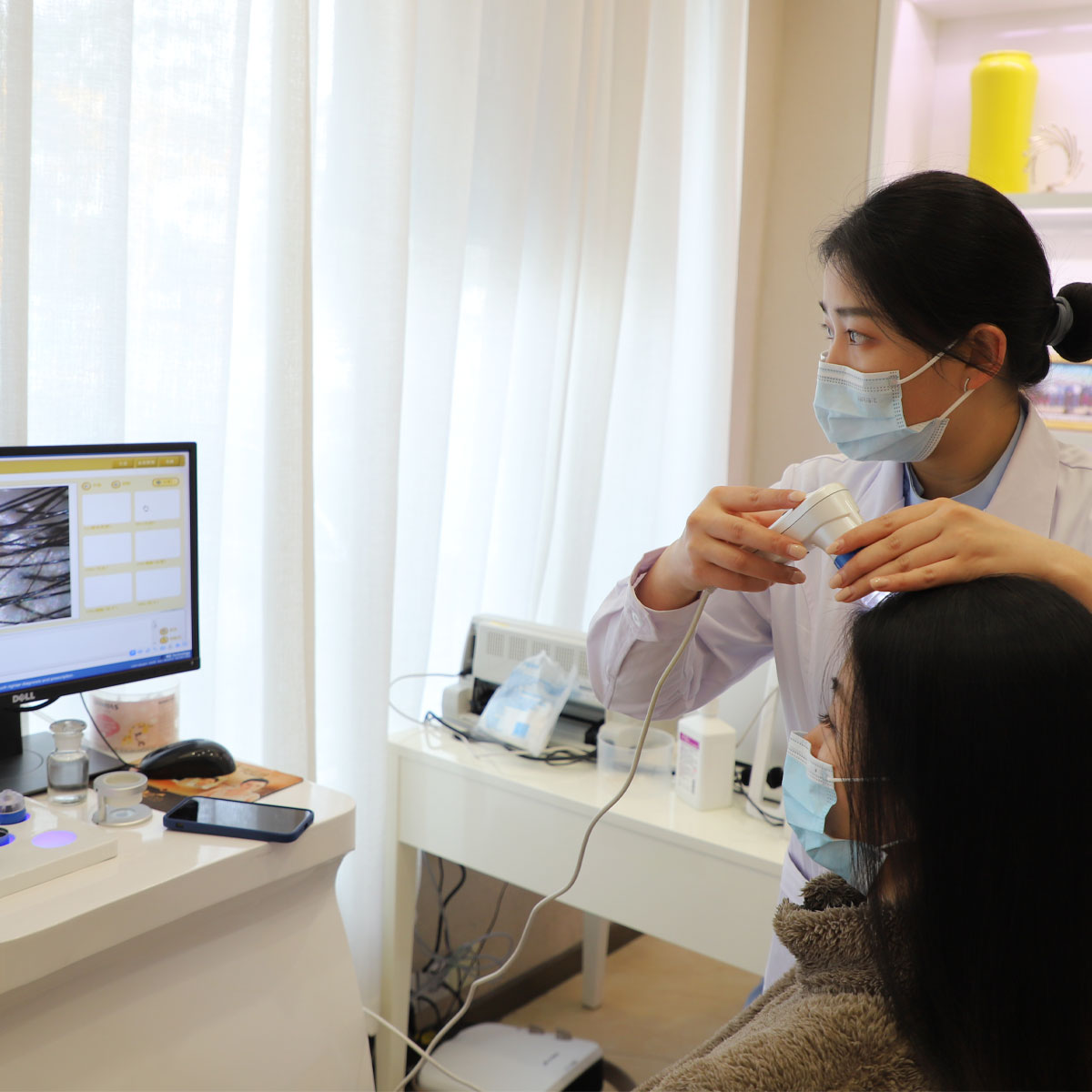
Absolutely not — and this is the single most important disclaimer on the entire tool. The calculator is an EDUCATIONAL and PLANNING aid, explicitly not a medical diagnosis. Three things it literally cannot do that only a surgeon can: 1) trichoscopy to quantify actual miniaturization ratio (the calculator has to guess from selfies and Norwood stage); 2) physical donor elasticity and scar risk assessment via hand-stretch test (critical for deciding between FUE and FUT and maximum safe harvest numbers); 3) detection of contraindications like active seborrheic dermatitis flares, unmanaged hypertension, bleeding disorders, or cardiac history that would change medication or anesthesia protocol. Think of the calculator as: "the 90% of information you can get at home before flying to the clinic" — it saves you travel time, helps you budget, and narrows your options. But you still need the 10% that only hands-on clinical examination provides before any surgical plan is final.
How do I save my calculator results and share them directly with Barley's surgeon before my consultation
Three methods, ordered from most reliable to most casual: Method 1 (BEST): At the end of the calculator flow, click the green button that says "Email me my results + save my case ID." This generates a permanent 8-character case ID (e.g., HL-7K2P-M9) and emails a structured PDF of all inputs, graft maps, pricing tiers, and recommendation stack to you. You can forward that email directly to
[email protected] with your preferred consultation date, and the surgeon will pull your saved case from the database before you arrive. Method 2: Use the "Share link" icon at the top-right of the results page — this creates a shareable URL that stays valid for 60 days. Method 3 (fallback): Take 3 screenshots: 1) the classification match page, 2) the graft density heatmap page, 3) the pricing + recommendation page, and attach them when you message the WeChat or WhatsApp coordinator. We strongly recommend Method 1 because it saves the exact numerical inputs, not just the visual output.
Does this calculator have a dedicated female Ludwig classification version, or does it only support male Norwood
As of the 2024 Q3 update, the calculator DOES support both classification systems, but the toggle is easy to miss. On the very first question page (after age and sex), there's a small subtle switch at the top right that defaults to "Auto-detect classification by sex" — flip it to "Manual" and you get explicit radio buttons for: Male Norwood 1–7, Female Ludwig 1–3, and Savin 1–8 for diffuse unpatterned alopecia. If you leave it on Auto, female users get routed to the Ludwig algorithm automatically, which uses different graft density math (female hairlines rarely need the same 50+ grafts/cm² frontal density that male hairlines do, so the calculator defaults to 38–42 instead). We are working on a 2025 Q1 redesign that puts the Ludwig selector on its own dedicated landing card for women, because current usage data shows only ~22% of female users find the manual toggle on their first run through.
Will the calculator add a no-shave / long-hair FUE method option to the technique selector soon
It is ALREADY there as of the November 2024 update — but it's hidden behind a conditional logic gate because no-shave FUE has strict medical eligibility that the calculator checks first. To unlock the no-shave toggle in the technique selector, you need to satisfy ALL of these four input conditions: 1) total graft estimate under 2,800 (no-shave is not safe for mega-sessions due to visibility and extraction angle); 2) donor hair length ≥ 4 cm (you will be asked about this on the "About your donor hair" page); 3) hair texture is not listed as "Extremely curly / Afro coil" (coiled hair requires different extraction angles that no-shave can't safely accommodate); 4) Norwood stage 5 or lower / Ludwig stage 2 or lower. If you meet all four, a fourth technique card labeled "Premium No-Shave Microneedle FUE (+18%)" automatically appears next to Standard, Microneedle, and FUT. If you don't see it, the calculator is telling you no-shave is not medically recommended for your specific case — not that the option is missing.
Does the calculator's "Recommended Plan" slider bias toward cheapest-cost, maximum-graft-effect, or middle-ground by default
Great question that almost nobody asks. The default recommended plan that loads on the results page is our internal "Clinic Consensus Median" — it is explicitly NOT the cheapest option, and explicitly NOT the maximum possible graft number. The algorithm weighs four factors equally: 1) long-term 5-year patient satisfaction data (which tends to reward density slightly above bare-minimum coverage); 2) donor zone safety margins (we will never recommend extracting more than 50% of safe zone FUs even if the user asks for it); 3) the user's stated budget range that they entered on question 5; 4) the user's age (patients under 25 automatically get a more conservative plan that avoids fixing a mature hairline too early or too aggressively). That said, there is a manual 3-way toggle at the top of the recommendation card: Budget / Balanced (default) / Max Density, and sliding it immediately recalculates graft numbers, price, and per-graft technique to match your preference. If you don't see the toggle you might be on mobile — scroll horizontally on the recommendation header card.
 Barley Hair Transplant Hospital
Barley Hair Hospital
Barley Hair Transplant Hospital
Barley Hair Hospital